NVIDIA Cloud Launch Record
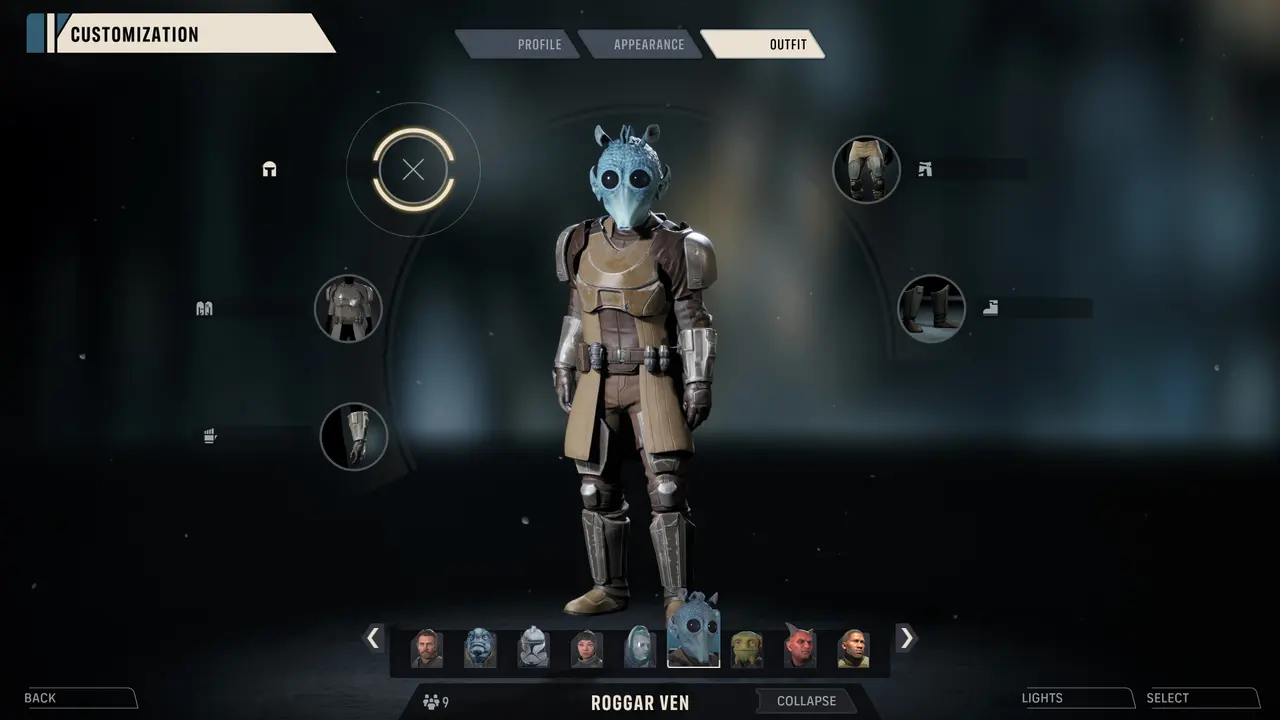
NVIDIA's announcement is title-specific: it names Star Wars Zero Company in the GeForce NOW launch lineup. That resolves the former no-entry uncertainty. Steam on its own confirms the released PC product, although Steam itself does not define the cloud service's membership rules or capacity.
Conditions for a Stream Session
Members still need an eligible linked store account, an available service region, a tier with current capacity, and a network suitable for latency and bandwidth.
Account-Level Service Check
Link the store that owns the game, search the live GeForce NOW library, and start a session from the intended network. Record region and entitlement messages for support.
GeForce NOW support answers whether NVIDIA announced a cloud route for the title, not whether a particular copy will launch immediately. The member should first link the store that owns the PC licence, then search the live library in the service region where the session will run. A missing title can be caused by a regional catalogue, an unsupported store connection, or a temporary service condition rather than a contradiction of the launch announcement.
Treat performance as a separate local test. Queue availability, maximum session length, graphics options, input latency, and stream quality depend on the subscription tier, region capacity, and the player's network. Start one session from the intended device and preserve any entitlement error before asking support. Neither the NVIDIA announcement nor the Steam page measures those variables for an individual account.
Test the exact account that owns the game. If the service displays an install, sync, or ownership error, preserve the message and linked-store identity rather than trying repeated purchases or changing region.
Do not use an announced launch as proof that a particular connected store library is eligible. The live service search and one attempted session provide the current, user-specific answer.
Check the live library again after service maintenance or a catalogue refresh, because a launch announcement does not freeze availability forever.
Availability can change overnight.
Checked references
Sources and verification
Facts on this page were checked against the following first-party material and named post-launch coverage.