Platforms

Game pass

Find the key details, watch the footage, and keep exploring from here.

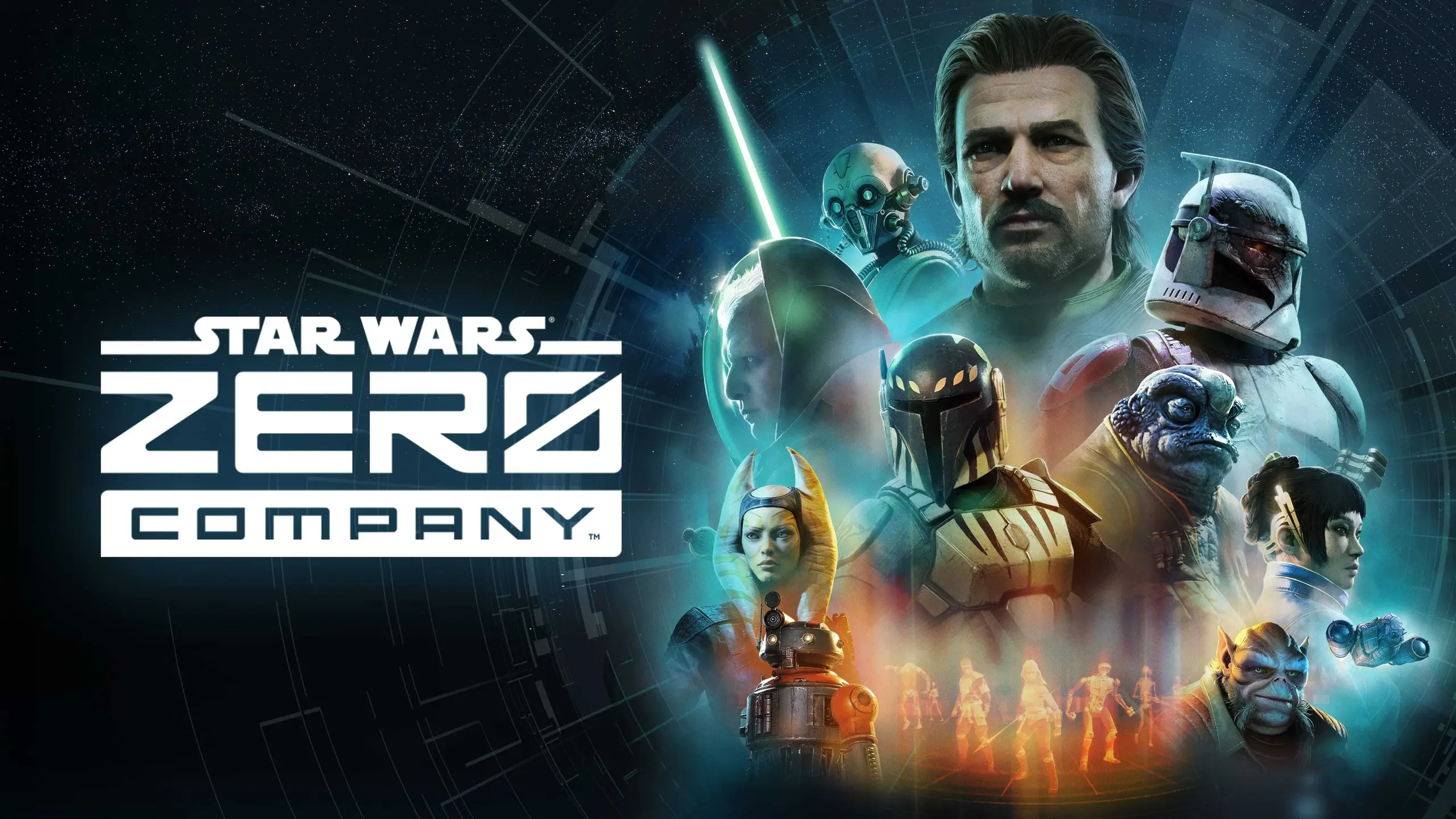
Key art with the squad and Clone Wars backdrop
On this page

On this page

  1. What the Xbox Product Page Offers
  2. Purchase License Versus Membership Access
  3. How to Verify the Entitlement
  4. Keep exploring

What the Xbox Product Page Offers

That distinction is decisive. A console product page proves that an Xbox build can be purchased; it does not prove that an active subscription grants the license.

It contains no Game Pass wordmark, membership tier, 'Play with' subscription button, cloud badge, or catalogue tile. The composition advertises the game, not a subscription route.

Key art with the squad and Clone Wars backdrop

Purchase License Versus Membership Access

The Xbox Game Pass catalogue explains that game availability changes over time and can differ by region, plan, and platform. A useful inclusion claim therefore needs more than the words 'Xbox Series X|S': it needs the title attached to a specific Game Pass offering in the player's market.

Do not treat a member discount as inclusion. A subscriber may see a lower purchase price or other benefits while the game still requires a separate transaction.

How to Verify the Entitlement

Check the live Game Pass catalogue while signed into the account and region that will be used. A confirming entry should name Star Wars Zero Company, the eligible plan, and whether access applies to Xbox Series X|S, Windows PC, cloud, or some combination of them.

A trailer may name Xbox Series X|S or show the game running, but without a Game Pass plan and entitlement statement it proves only platform marketing. This is why the page carries no subscription-confirmation video.